


Summary: Want to attract more customers with personalized prints? As a print business owner, solutions with the right features can be a catalyst for your business growth. Thus, you must know the minimum required features in modern pattern design software, so you can pick the apt solution to streamline operations, boost sales, and deliver top-quality custom designs with ease.
In the world of custom printing and surface design, having the right tools can dramatically impact both creativity and production speed. Today’s patterned print product buyers demand personalization, faster turnaround times, and flawless results, pushing businesses to adopt modern pattern design software that balances design freedom with technical precision.
According to a report by Grand View Research on the global digital textile printing market, it is expected to reach USD 11.59 billion by 2030, growing at a CAGR of 12.7% from 2025 to 2030. This surge is driven by the increasing need for customized patterns across fashion, home décor, and promotional products.
In this blog, we’ll explore the essential features your pattern design software must have to stay competitive, delight customers, and streamline your workflow.
Top Features Every Pattern Design Software Should Offer
A pattern design software should do more than create visuals; it must support creative freedom, precision, and seamless workflows. From customizable templates to real-time previews and third-party integrations, the right features help deliver high-quality, personalized designs efficiently while enhancing user experience and meeting modern print buyer expectations.
So, let’s discuss the most look after features and functionalities of an online pattern-making software.
What Brings the Designing Flexibility?
Designing flexibility is the heart of any digital pattern generator. You need software that allows you to support creativity without limitations. Let it be you or your print buyers, if the user is not able to design the pattern that they want, it will affect your sales directly.
But how do you know if it is flexible enough?
It’s simple!
You need to look for features that make it flexible.
Thus, here are some of the most essential online pattern maker features for design flexibility.
1. Seamless Customizable Templates
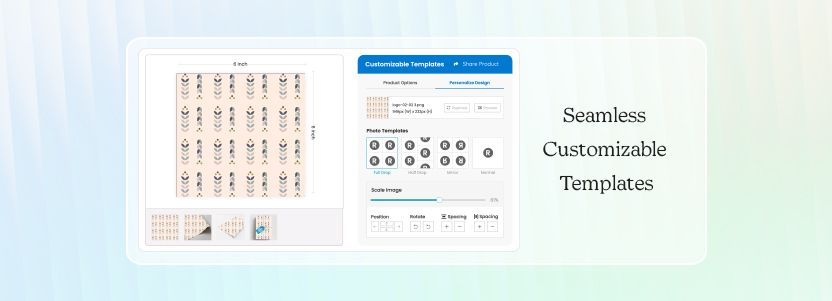
Customizable templates provide the designer with a head start and can save a lot of time and effort. Professionally designed templates help maintain consistency for your brand identity and can be tailored to fit your print buyer’s vision.
2. Pattern Repeat Designs
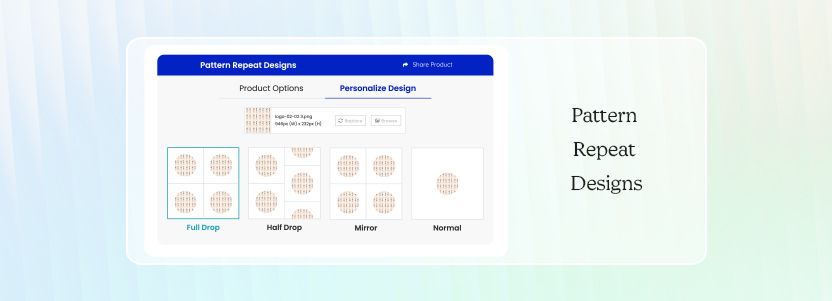
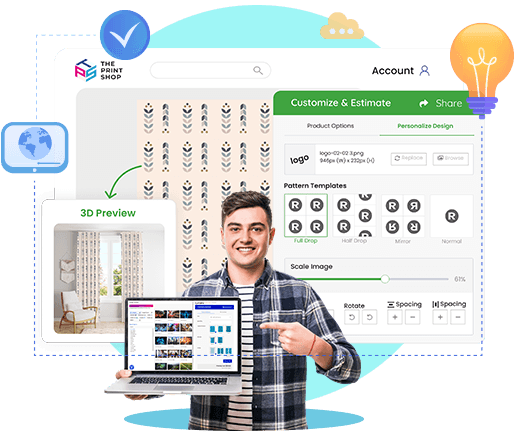
An essential function, your software should support various repeat options that control how patterns tile across surfaces. These include:
- Full Drop – the standard repeat where tiles align vertically.
- Half Drop – creates a staggered repeat for a more dynamic look.
- Mirror – reflects the design for symmetry.
- No Repeat – great for one-off or placement designs.
3. Material Type and Texture Options
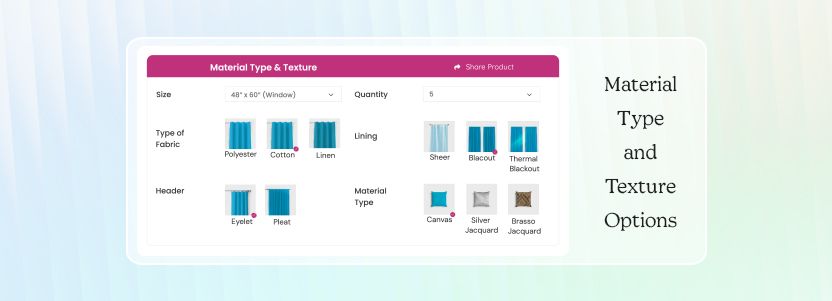
Fabric behaves differently from paper or vinyl. A seamless pattern maker should allow the designers to simulate and design based on the type of material, like cotton, silk, canvas, leather, and more.
4. Size Customization
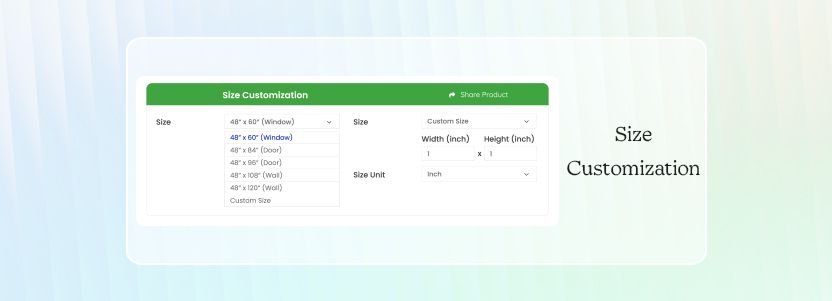
Whether you're designing a small food wrap paper or a large wallpaper, being able to precisely control dimensions is a key feature of a successful personalized print software. Designers should be able to input specific measurements and scale designs without distortion.
5. Custom Design Upload
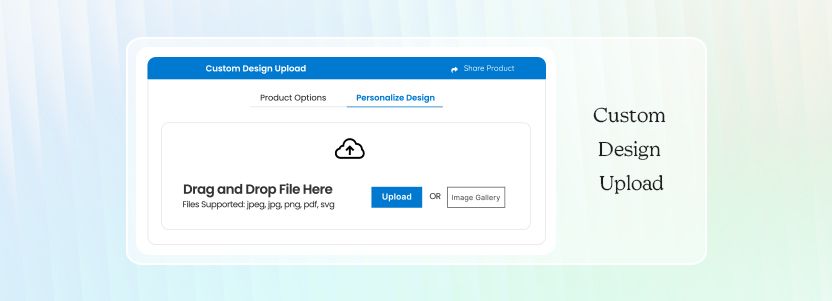
Allowing users to upload their own design or brand assets makes the pattern more personal and the software more adaptable. This is especially useful for retaining the businesses that use unique illustrations, logos, or hand-drawn patterns as your clients for a long time.
What Advanced Technical Capabilities Matter the Most?
Beyond aesthetics, your pattern software must be technically robust and versatile enough to handle the different requirements of the print buyers from the various sales channels.
1. Vector and Raster Support
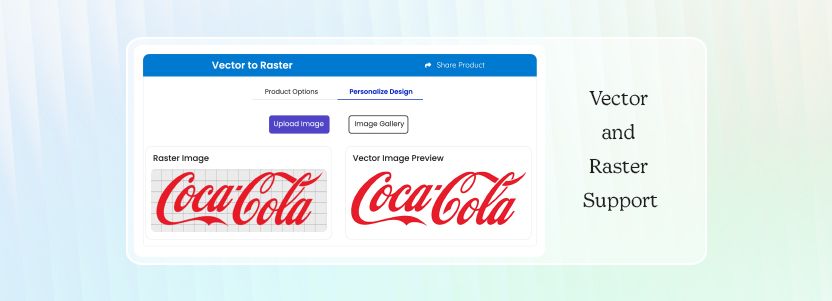
A powerful web-to-print designer studio for designing patterns should support both vector and raster graphics. Even better, it should offer easy conversion between the two to streamline workflows. This makes it easier for designers to combine sharp, scalable illustrations with image-based textures or effects.
2. Easy Import/Export in Multiple File Formats
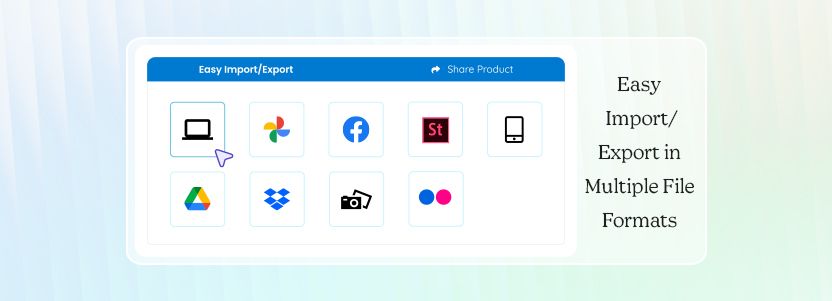
To ensure effortless preparation of print files, especially for large-format pattern prints and ease of workflow, your software must support a wide range of file formats like JPEG, JPG, PNG, PDF, SVG, AVIF, HEIC, and HEIF. The more formats you support, the more customer-friendly your process becomes.
3. Image to Pattern Transformation
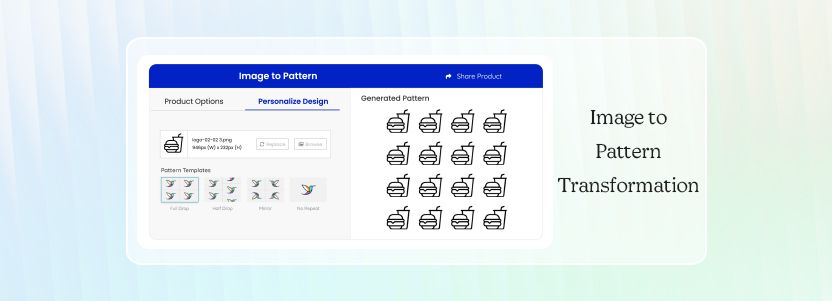
The ability to upload an image, like a logo, texture, flower, or drawing, and convert it into a repeatable pattern opens endless creative possibilities, because sometimes a great pattern starts with just a concept. This feature becomes even more valuable when paired with different pattern repetition style options.
What Lets You Design and Preview Accurately?
Design is in the details. Precision and realistic visualization help designers catch mistakes early and deliver high-quality outcomes efficiently.
1. Grid and Alignment Guides
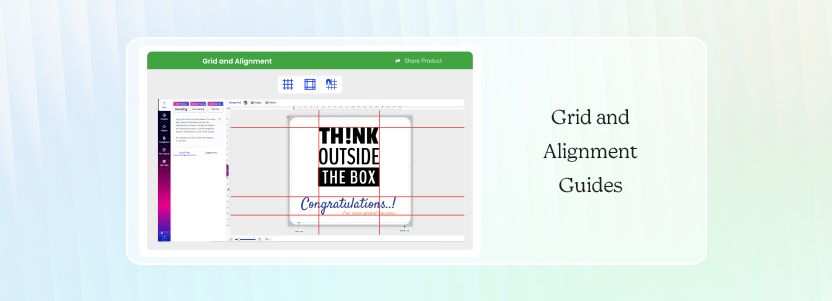
Visual alignment features help in placing design elements symmetrically and consistently across the canvas. Grid overlays and guide rulers enable clean and balanced compositions.
2. Precise Measurement and Scaling Tools
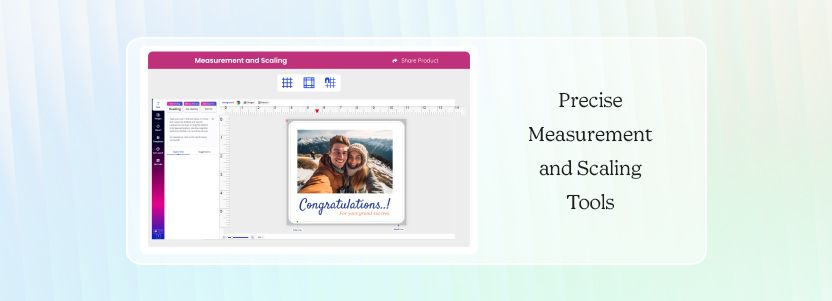
Designers often need to scale patterns to fit specific dimensions. Whether creating a print for apparel or home decor, precise measurement tools ensure patterns fit exactly where they need to.
3. Real-Time Preview with Fabric Simulation and Mockups
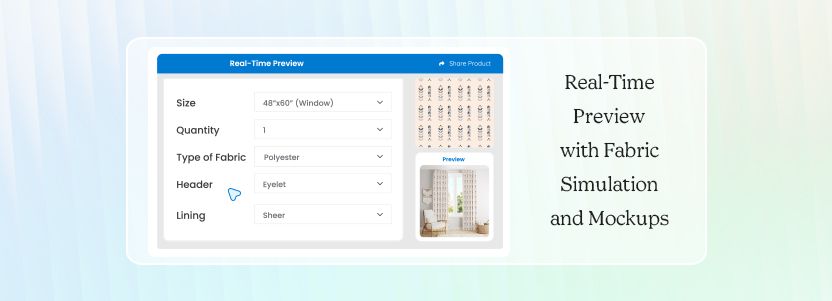
With real-time preview, designers can see how the pattern looks on actual products, and the instant visual feedback enhances the creativity and confidence of the print buyers. Fabric simulation adds depth, helping designers assess stretch, fold, or drape effects before finalizing.

What Boosts Pattern Designing Productivity?
To maximize efficiency and align with professional workflows, your software must support integrations and streamlined collaboration.
1. Integration with Third-Party Tools
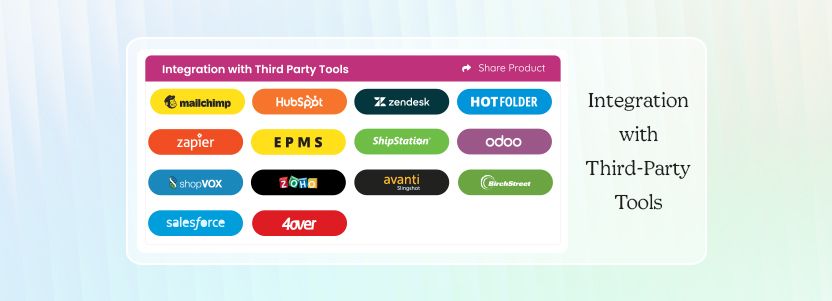
A good digital pattern generator should integrate smoothly with other MIS, accounts, marketing, CRM, shipping, and payment tools. This connectivity helps you deal with the print-industry labor shortage by reducing manual work. Other than that, it improves accuracy and helps scale production faster.
2. Cloud Storage and Project Sharing
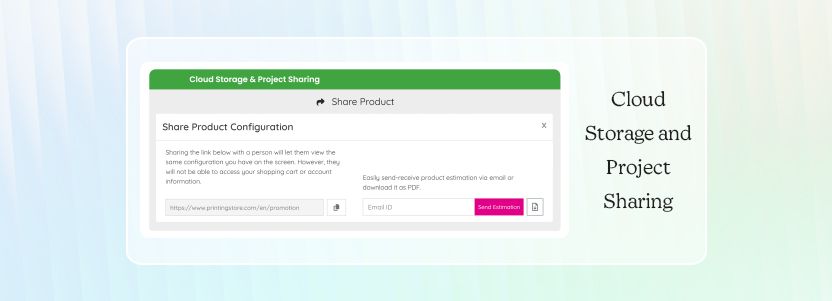
Cloud storage allows designers to work from anywhere, on any device, without losing progress. Even better, project sharing enables real-time collaboration between teams, clients, and partners. This speeds up feedback and approvals. And that’s why in today’s hybrid and remote-first world, cloud accessibility is essential.
How Intuitive Interface Enhances User Experience?
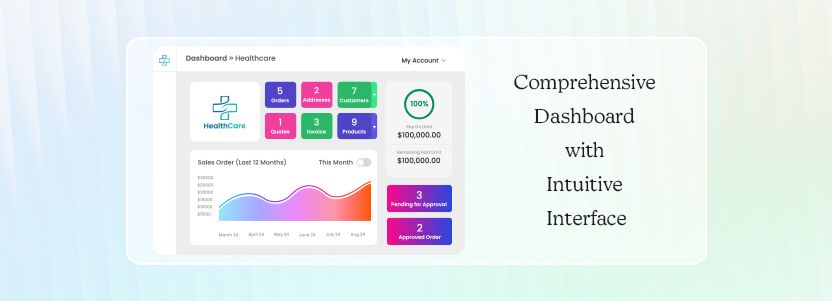
Finally, user experience plays a critical role in adoption, productivity, and overall satisfaction. No matter how feature-rich your software is, your storefront won’t be popular if it’s not easy to use.
The UI should be simple, responsive, and logically organized so users can focus on creativity instead of searching for tools. A clean dashboard, well-labeled buttons, drag-and-drop functionality, and contextual menus all contribute to a smooth design experience.
Even better, the platform should include:
- Self-service knowledge base – for quick troubleshooting and learning.
- Onboarding training or tutorials – to get users up and running with a smooth transition.
ConclusionPattern design maker is more than just a digital canvas. It’s the backbone of a print business’s workflow, from accepting orders to printing and order fulfillment. By choosing a solution that balances creativity, precision, integration, and usability, you empower your business to support unique designs with confidence.When searching for the best pattern design software, don’t just look at the feature list; look at how well those features come together to support your goals. The right software isn’t just powerful. It’s intuitive, collaborative, and made for the way modern designers work, like the one by OnPrintShop. If you want to take a free trial of the epitome of the modern pattern-making solution, book your live demo today and get a first-hand experience of your custom pattern product business automation.