

Connect QuickBooks and OnPrintShop for Real-Time Financial Control
Sync orders, invoices, taxes, and payments automatically.
OnPrintShop + QuickBooks Integration Revolutionizes Accounting for Print Businesses
Automated Invoices
Payments and Improved Cash Flow
Discrepancies in Financial Reports
Real-Time Financial Visibility
QuickBooks is a leading accounting platform developed by Intuit, widely used by small and mid-sized businesses to manage finances efficiently. It helps businesses handle invoicing, expense tracking, tax calculations, financial reporting, and cash flow management from a single system. With powerful automation and real-time financial insights, QuickBooks simplifies bookkeeping tasks and improves accuracy. For print businesses, it provides the financial visibility needed to track revenue, monitor payments, and make smarter business decisions.
Set Up the QuickBooks Integration in 4 Simple Steps

Register with QuickBooks

Create an App

Get Client ID and Secret Key

Configure QuickBooks on the Admin Panel

Simplify Finances with OnPrintShop + QuickBooks Integration. Manage Accounting Faster.
Unlock Smarter Accounting with OnPrintShop + QuickBooks Integration
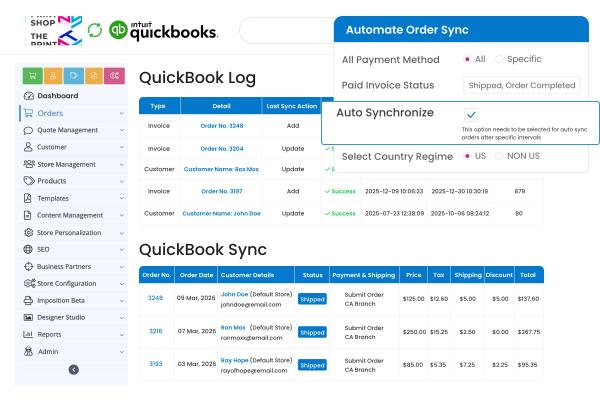
Automate Your Accounting Workflow
Automatically sync orders, invoices, taxes, and customer records between your storefront and accounting system, reducing manual entry, minimizing errors, and keeping financial data accurate, organized, and always up to date.
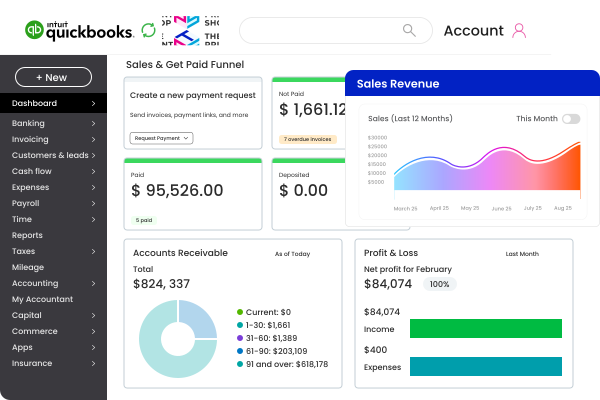
Gain Real-Time Financial Visibility
Get instant insights into sales revenue, unpaid invoices, and profitability as transactions flow automatically into accounting reports, helping you monitor performance, forecast cash flow, and make faster, informed decisions daily.
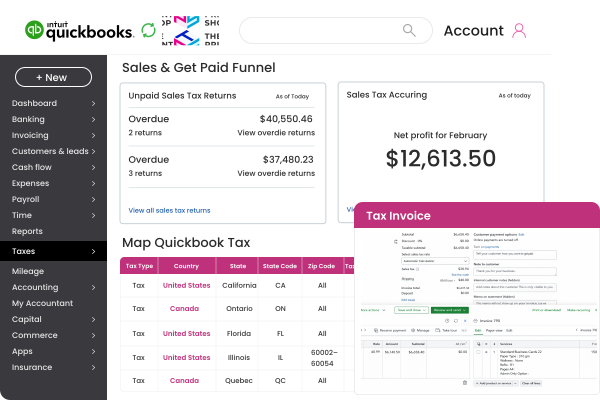
Ensure Accurate Tax Compliance
Map storefront tax rates to match accounting tax codes to ensure invoices remain compliant across regions, to simplify tax filing, reduce calculation mistakes, and maintain consistent records during audits and reviews.
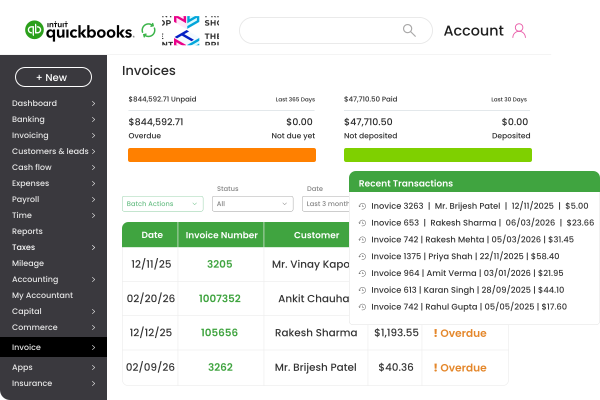
Reduced Administrative Workload
Eliminate repetitive bookkeeping tasks by automating invoice creation, customer syncing, and payment updates, allowing your team to focus on production, customer service, and growing your print business with more efficiency.
What Makes the OnPrintShop and QuickBooks Integration Stand Out
Explore key advantages of integrating your print storefront with automated accounting workflows that improve accuracy, efficiency, and financial management daily.

OnPrintShop integrates with QuickBooks to automatically sync invoices, customers, and orders, ensuring smooth accounting workflows without manual intervention.

Admins can configure invoice status, payment conditions, and product mappings, allowing businesses to align synchronization with internal accounting rules and workflows.

Map storefront tax rates with accounting tax codes to maintain consistent calculations across invoices and simplify compliance for multi-region print businesses.

Built to support growing print businesses managing large order volumes, ensuring accounting processes remain efficient, organized, and scalable over time.

Integrate OnPrintShop with QuickBooks to Simplify Invoicing, Payments, and Financial Management.
See the Difference between with and without Integrating OnPrintShop and QuickBooks
Manual Accounting vs Automated Sync
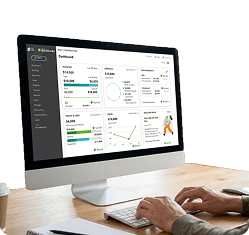
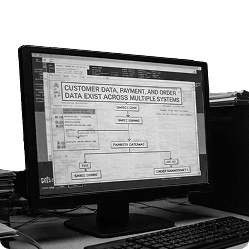
Scattered Financial Data vs Unified Records

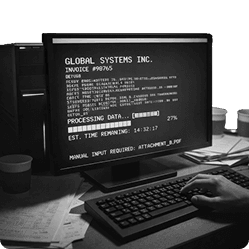
Delayed Reporting vs Real-Time Insights
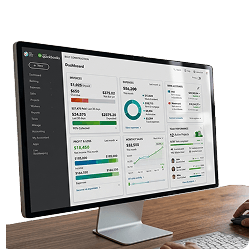
Complex Tax Handling vs Accurate Tax Mapping

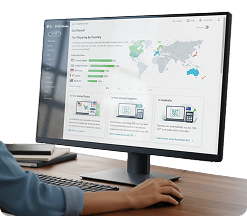
Achieve More with OnPrintShop’s All-in-One Web-to-Print Platform


Customer Success Stories from Print Entrepreneurs
95% Hike in Online Sales, How OnPrintShop Transformed an American Printer’s Online Growth
“OnPrintShop has been a driving force behind our digital shift, and adopting their W2P capabilities has helped us achieve a remarkable rise of 95% in online sales.”


Trusted by 2000+ Print Service Providers Globally








































































“We have looked up more than 36 Web-to-Print solutions but could not find the Wide Format Products & Package Configuration as robust & easy as OnPrintShop.”

Supreme Color
United States
“The software is highly functional and the team that supports and backs it up is exceptional. Pradeep is an amazing customer service representative who addressed my every need for building the website.”

United States
“The software has clean designs and easy customization features. It’s very easy to add products and create various options.”

Canada