



Blog Summary: Specialty printing gives PSPs ways to go beyond standard CMYK work. This guide looks at foil stamping, embossing, debossing, spot UV, and other finishes, along with the production basics print businesses should understand before adding them to their services.
Specialty printing includes processes and finishing methods that extend beyond standard CMYK output, adding texture, shine, depth, metallic effects, or other visual and tactile details. Common options include foil stamping, embossing, debossing, spot UV, and related treatments that give printed pieces a distinct finish. The recent research for the global specialty printing products market shows that it was an industry worth USD 39.7 billion in 2024 and is expected to grow from USD 41.3 billion in 2026 to USD 47.4 billion by 2030.
For PSPs, premium finishing can set an offering apart, support higher-value jobs, and meet B2B branding needs, including repeat orders for branded materials through a leading specialty printing web-to-print software.
The guide explores foiling, embossing and debossing, spot UV, finish combinations, and the capabilities PSPs should consider before offering them.
What Is Specialty Printing?
Specialty printing brings together print processes and finishing methods that works with more than the standard CMYK production. These techniques add texture, gloss, depth, metallic effects, or other distinctive qualities to a printed item, usually alongside conventional printed artwork.
In most cases, a specialty finish complements the base print rather than replacing it. A logo stamped in foil can sit on a card printed in CMYK, just as spot UV can be applied over selected parts of an existing design.
People often assess a printed piece by how it feels as well as how it looks. Tactile details and premium finishing can reinforce a brand’s presentation, particularly across recurring orders.
For PSPs, specialty finishes create another way to stand out beyond price alone. They can distinguish a product range, support ongoing B2B needs such as branded stationery, and make higher-value orders possible. Results vary by finish, product, and customer, so these benefits should not be treated as guaranteed.
What Are the Main Types of Specialty Printing?
Specialty printing includes a range of processes, each with its own visual, tactile, or structural result. Decorative treatments are also commonly referred to as embellishment printing. The table below summarizes specialty printing techniques that PSPs are likely to encounter.
Die cutting differs from the other processes in this list. It alters a printed piece’s shape or structure, while foil stamping, embossing, and spot UV are primarily decorative surface treatments.
How Does Foil Stamping Work?
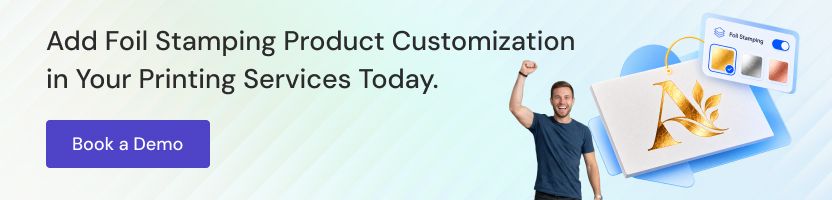
Hot foil stamping uses a heated die, pressure, and a foil roll to transfer metallic or pigmented foil onto a substrate. Digital foiling can produce a similar visual effect through a different process and may not require a traditional stamping die.
How Hot Foil Stamping Works
A heated die presses the design and foil against the chosen stock. Heat activates the foil’s adhesive layer, bonding it to the material where the die makes contact. Foil outside those contact areas remains on the carrier film. Since the design is formed by a physical die, changing it will generally require a replacement die.
How Digital Foiling Differs
Digital foiling uses a digital process rather than a heated metal die, although the exact method depends on the equipment. Hot foil stamping may suit jobs where the cost and preparation of a die are justified. Digital foiling can be useful when a die is impractical, including some short or variable runs. Neither method is automatically the cheapest, quickest, or best option for every job.
What Is the Difference Between Embossing and Debossing?
Embossing pushes selected artwork up from the surface of the stock, while debossing presses the design down into it. Both processes use dies and pressure to change the material’s surface.
Blind Versus Registered Embossing
Blind embossing creates a raised impression, or a recessed effect in the case of blind debossing, without ink or foil. Registered embossing aligns the impression with printed artwork or foil, so the dimensional effect matches the color or design.
Single-Level Versus Multilevel Dies
A single-level die creates an impression at one height. A multilevel die forms several heights or contours, allowing for more dimensional detail.
What Is Spot UV and How Is It Applied?
Spot UV is a clear coating applied to selected areas of a printed piece and cured with ultraviolet light. Since it covers only designated parts of the design, it differs from full-surface UV coating, which is applied across the entire sheet.
How Spot UV Printing Works
With spot UV printing, the coating is applied wherever the designated artwork layer specifies, then cured under UV light to form a hard, glossy finish. The term spot UV coating refers to this same selective finishing method.
Visual Uses
One common application is gloss over a matte surface, which draws attention to a logo, headline, pattern, or packaging detail. Applying spot UV over soft-touch lamination creates a distinct contrast in both sheen and feel: the glossy coating stands out against the lamination’s velvety matte surface.

Can You Combine Foil, Embossing and Spot UV?
These finishes can be used together when the material, artwork, equipment, and production order are compatible with the desired result. Since every process has its own requirements, plan the combination before the artwork is finalized.
- Foil plus embossing: Often called foil embossing, this pairing creates raised metallic details. Accurate registration between the foil and the impression is essential.
- Spot UV over soft-touch lamination: The lamination is applied first to create the base surface, then spot UV adds gloss to selected areas.
- Embossing plus spot UV: A raised section can receive a coating for added emphasis, provided the coating aligns with the impression.
Each extra process introduces another opportunity for misalignment. Material compatibility also matters, so confirm the production sequence with the finishing provider.
Adding more finishes does not necessarily improve the design. Too many layers can increase complexity, waste, and defect risk without making the final piece more effective.
Which Print Products Use Specialty Finishes?
The best finish depends on the product’s purpose, material, design, and production requirements. PSPs can use specialty techniques across a range of printed products.
- Business cards: Use foil or embossing to draw attention to a logo or name.
- Packaging and boxes: Apply foil or spot UV to highlight brand details.
- Labels: Use selective finishes to set product branding and key design elements apart.
- Invitations: Add decorative details with foil stamping or embossing.
- Certificates: Use embossed or foil elements to reinforce a formal presentation.
- Book covers: Apply embossing, debossing, or spot UV to titles and selected graphics.
- Brochures: Combine soft-touch lamination or spot UV to create visual and tactile contrast.
- Direct mail: Use selective finishing to draw the reader’s eye to key messages or brand elements.
What Do PSPs Need Before Offering Specialty Printing?
To deliver specialty printing reliably, PSPs need suitable production capacity, prepress knowledge, dependable finishing resources, and quality checks.
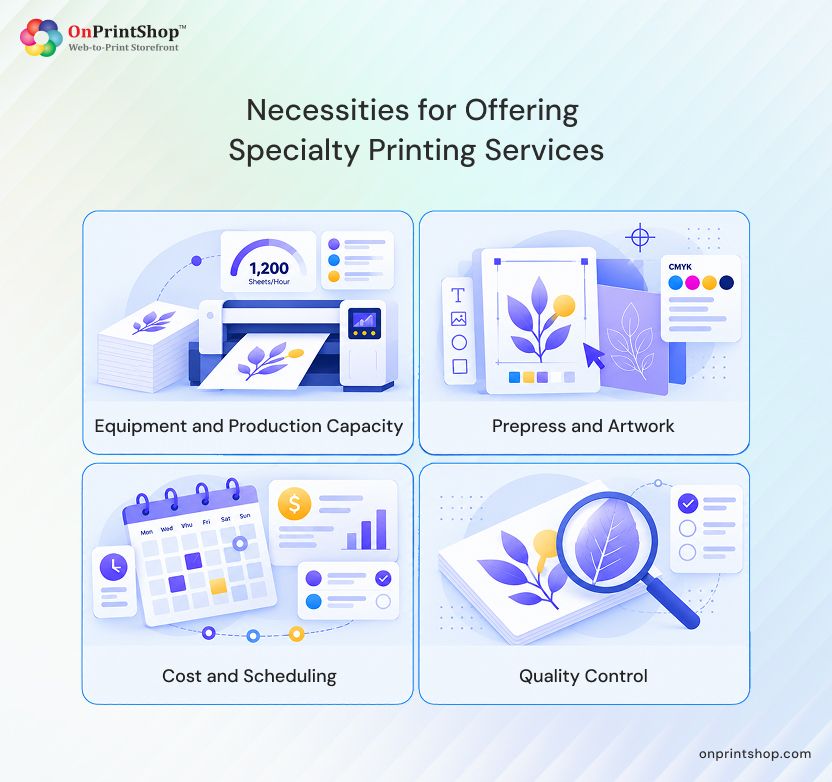
Equipment and Production Capacity
Some PSPs purchase finishing equipment and manage the work in-house. Others rely on specialist finishing partners. The right approach depends on available equipment, job complexity, production volume, and the materials involved. No matter what you chose, make sure to pick a web-to-print solution that lets you offer personalized print products.
Prepress and Artwork
- Prepare separate foil, embossing, debossing, and spot UV layers when the production process requires them.
- Use consistent layer names and share clear specifications across design, prepress, and finishing teams.
- Check proofs and registration before starting production.
Cost and Scheduling
Dies, setup needs, order quantity, material selection, and finish complexity all affect cost. Confirm partner arrangements, turnaround expectations, and backup plans before promising delivery dates.
Quality Control
Review finish placement, impression depth, coating consistency, foil adhesion, and overall print quality. When appropriate, test the stock and approve proofs before moving to a larger production run.

How Can PSPs Sell Specialty Finishes Online?
PSPs can offer specialty finishes online by showing available options clearly, gathering the right specifications, and helping customers understand how their choices may look on the finished product. A clear online experience can make it easier to sell specialty print products online while setting accurate expectations.
Online print store finishing options can appear as selectable choices on a product page, supported by straightforward descriptions. A live or 3D preview for print finishes can help customers visualize an effect when the technology supports that particular finish. The available options should always reflect what the production team can deliver.
OnPrintShop’s web-to-print Designer Studio supports foil, spot UV, embossing, and debossing with a 3D preview. It can also treat finishes as configurable print add-ons in your print store.
ConclusionSpecialty printing brings together visual and tactile finishing methods that can help PSPs distinguish their services when the chosen finish fits the product, audience, and production setup. Using a modern specialty printing W2P solution makes it easy to learn how the technique works, preparing artwork correctly, and checking production requirements in advance can help avoid preventable issues.Book a live demo with OnPrintShop and add finishing choices into your ordering process with a dedicated storefront designed around your business requirements.